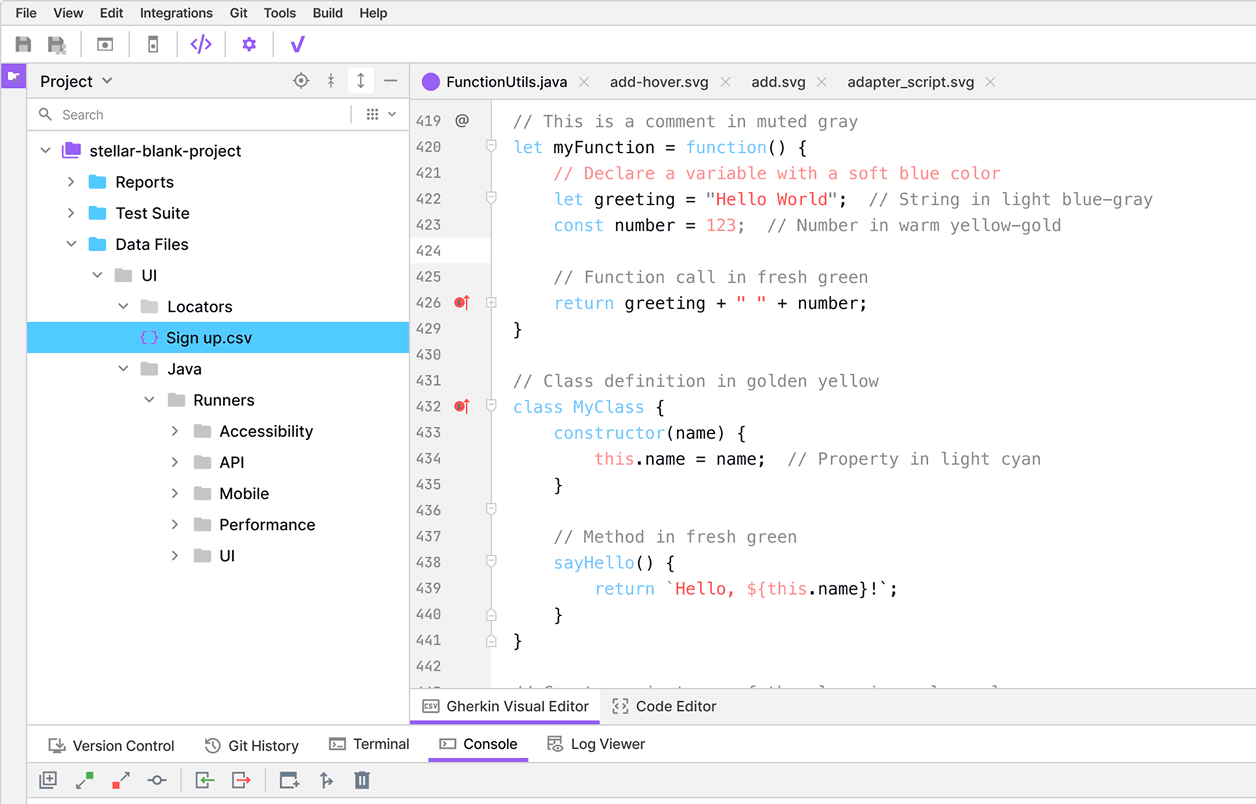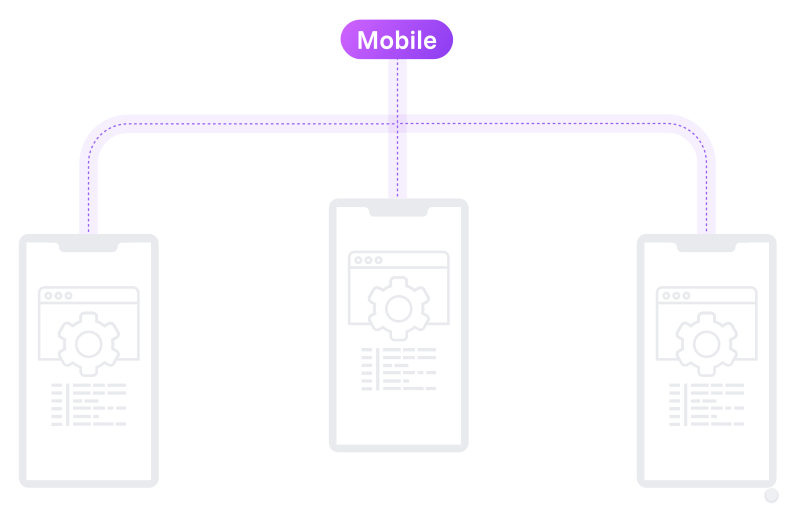

Create, open, and configure Android and iOS automation test suites directly within Studio.
What Is vStellar? A Comprehensive Guide for Testing Pros READ MORE

Design, manage, and execute mobile automation test suites with a no code mobile testing visual editor inside vStellar Studio.




Create, open, and configure Android and iOS automation test suites directly within Studio.

Organize your mobile test cases in a clear hierarchy without dealing with code files or frameworks.

Add and organize mobile actions using a guided interface for no code mobile test management.

Step 1:
Configure the required mobile automation dependencies on your system.
Step 2:
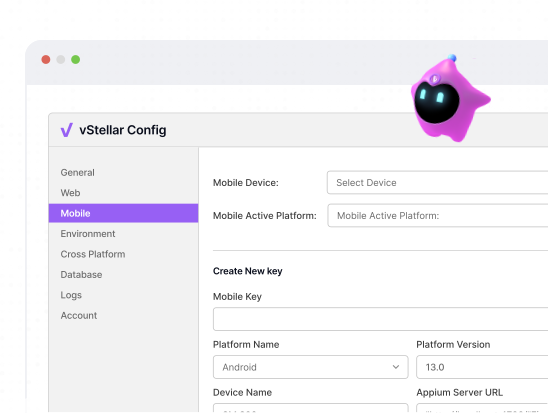
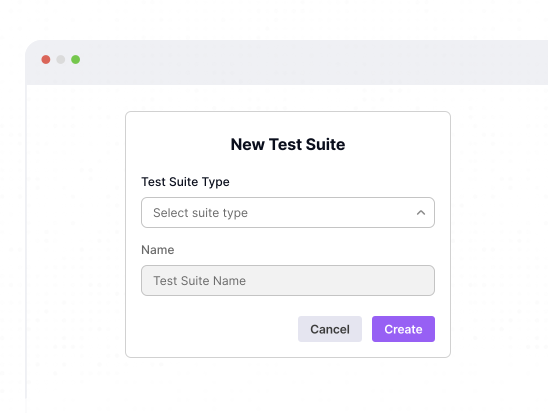
Create or select a mobile test suite. Choose the target platform, configure the device or simulator, and define suite properties.
Step 3:
Choose actions like tap, swipe, scroll, type, and validations using the guided interface.
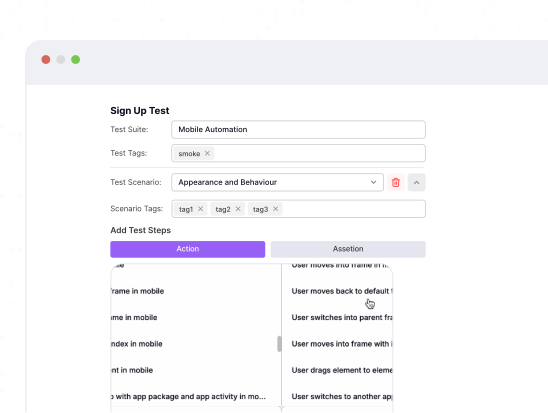
Step 4:
Select and reference locator files and locators within the Visual Editor.
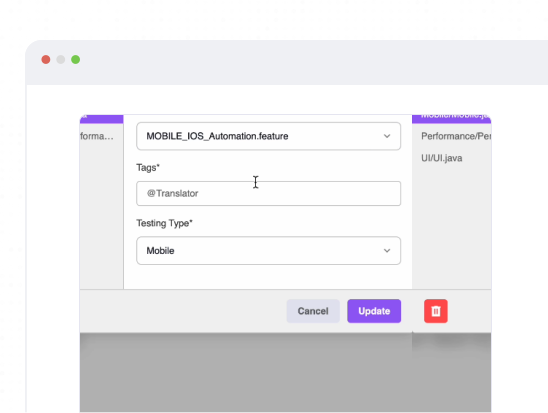
Step 5:
Select the execution environment, choose the connected device or simulator, and run your test scenario.
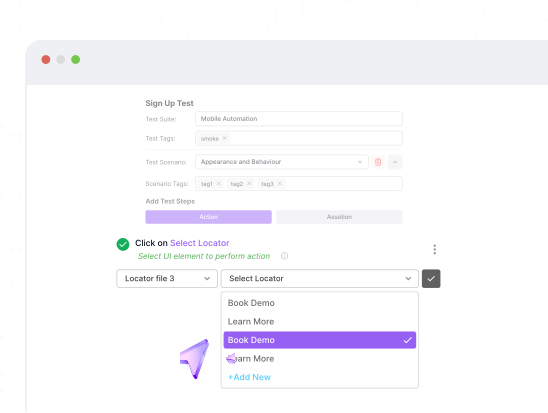
 Native Apps
Automate testing for iOS and Android native applications
Web ViewTest mobile web view interactions with visual editor.
Cross-BrowserValidate mobile web views across different browsers.


“vStellar Studio is really easy to use with features that have simplified our complex test automation requirements.”

Head of QA at TeleFuse

“No other software testing tool matches Studio’s flexibility in handling diverse app types so effortlessly.”

Founder of EduHatch

“vStellar made automation simple for us. The setup was fast, and our QA team now executes tests in record time.”

CEO, DocHive

“From web to mobile, covers all qa automation testing services. It is one of the best testing platform in software testing.”

CTO, TechHorizon

“Integration with our CI/CD pipelines was so easy with vStellar’s integrations, and the parallel testing saved us hours every sprint.”

CEO, StudyZap

“With seamless platform integration, vStellar makes test automation easy to kick off and scale. “

Founder of ZippyKart

Not really. The editor allows you to create, edit, and manage mobile test steps visually without writing scripts.
Absolutely. You can define actions once and apply them across multiple platforms, for consistent test coverage.
Yes. Any updates made in the Visual Editor are reflected in the Code Editor instantly, and vice versa. Changes are permanently saved once you click Save.
Get unlimited test case executions and advanced software testing features with vStellar’s PREMIUM plan.